 QuickDocket
QuickDocket
QuickDocket
Most systems are designed around things going according to plan. An order is delivered, everything is accepted and the job is done. But real deliveries don't always work that way.
A customer might reject an item because it was damaged, past its sell-by date, or simply because they realised they ordered the wrong product. What seems like a small issue can quickly involve the driver, warehouse, sales team and customer, with plenty of opportunity for confusion if everyone isn't working from the same information.
Quick Docket is designed to handle these situations too. When an item is rejected, the information captured at delivery follows the order through the business, so everyone knows what happened and what needs to happen next.
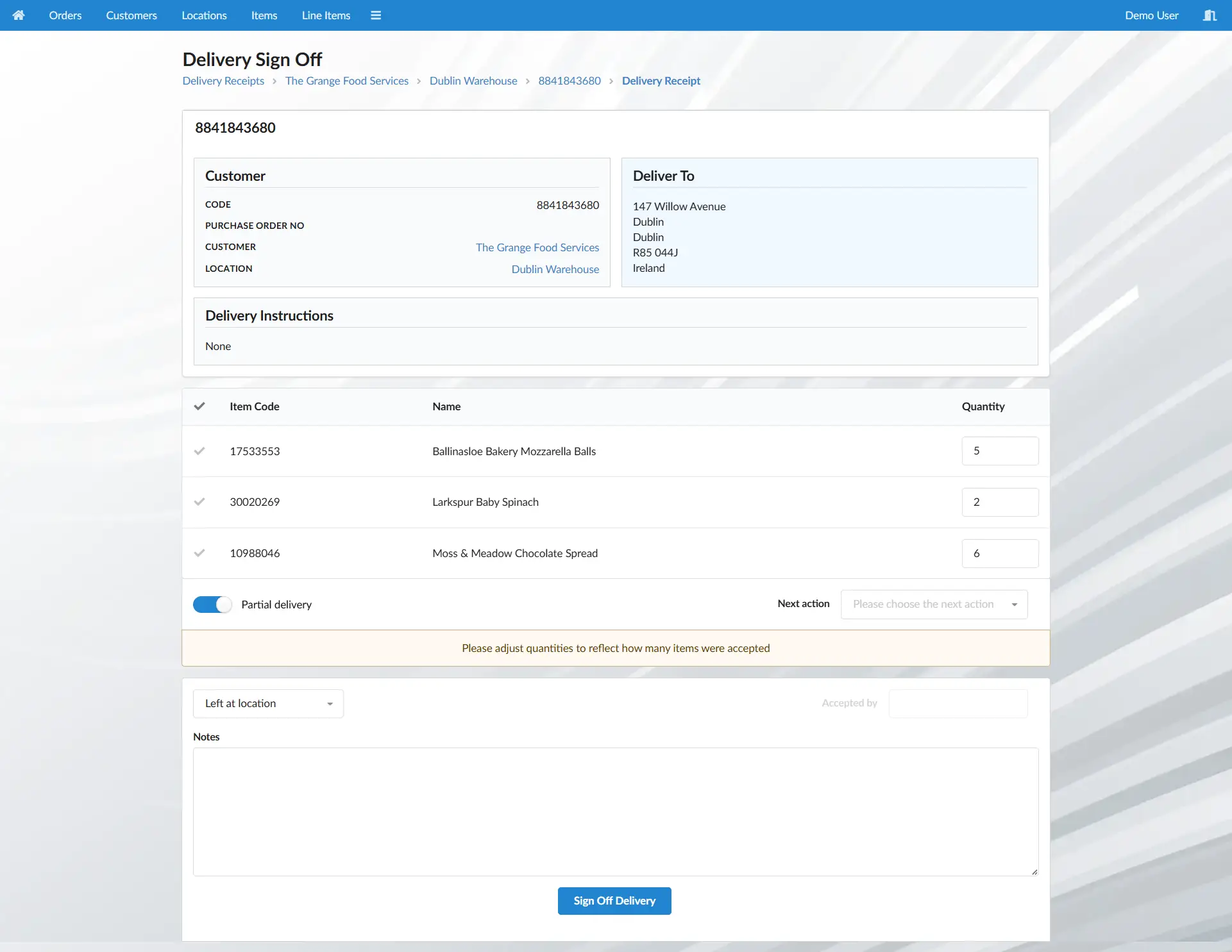
The driver records the delivery as partial on the proof of delivery. This immediately tells everyone that the customer did not accept everything on the order, creating a clear record of what happened at the point of delivery.
The order is updated to show exactly what was delivered and what was rejected. There is no need to reconstruct the order later — the system now reflects what actually happened at the customer's door.
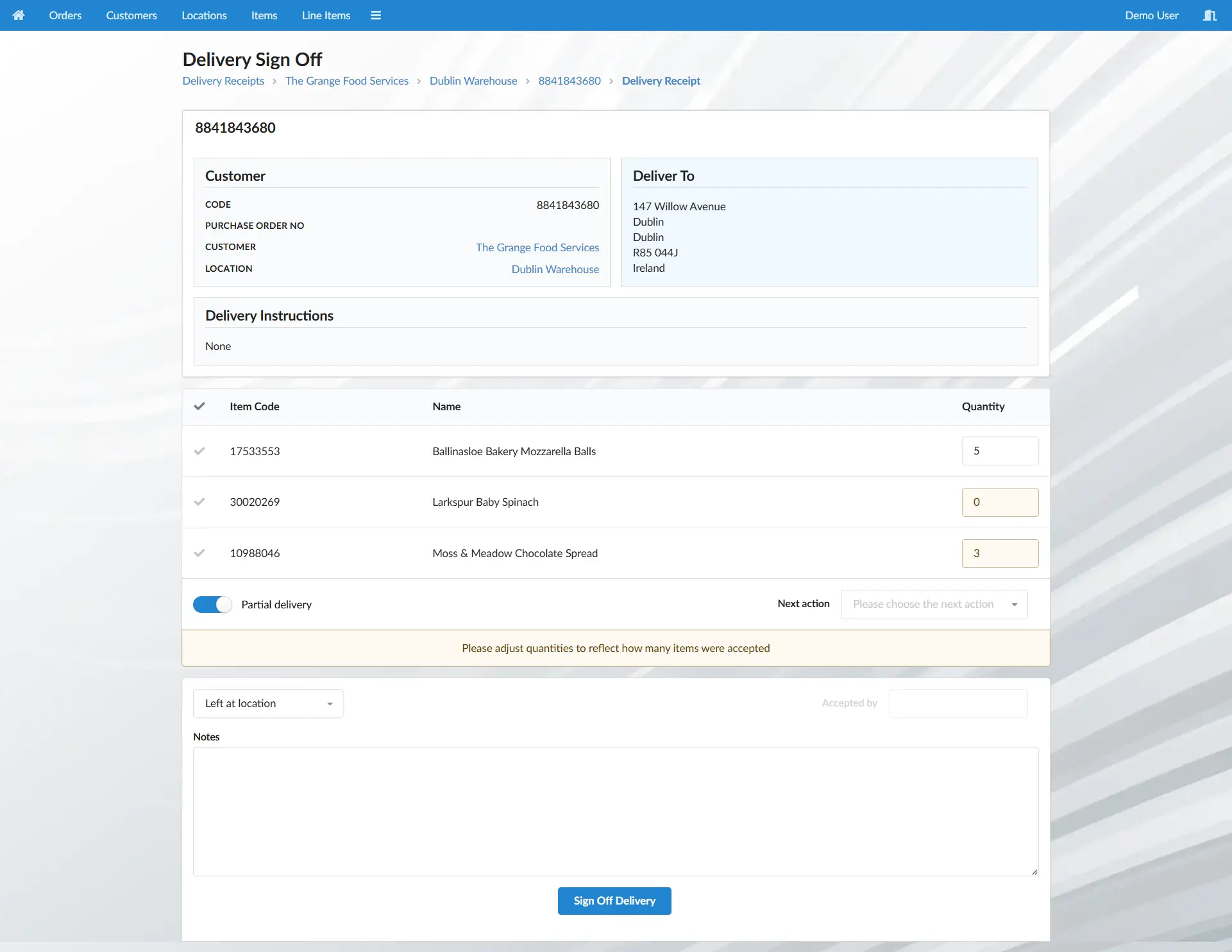
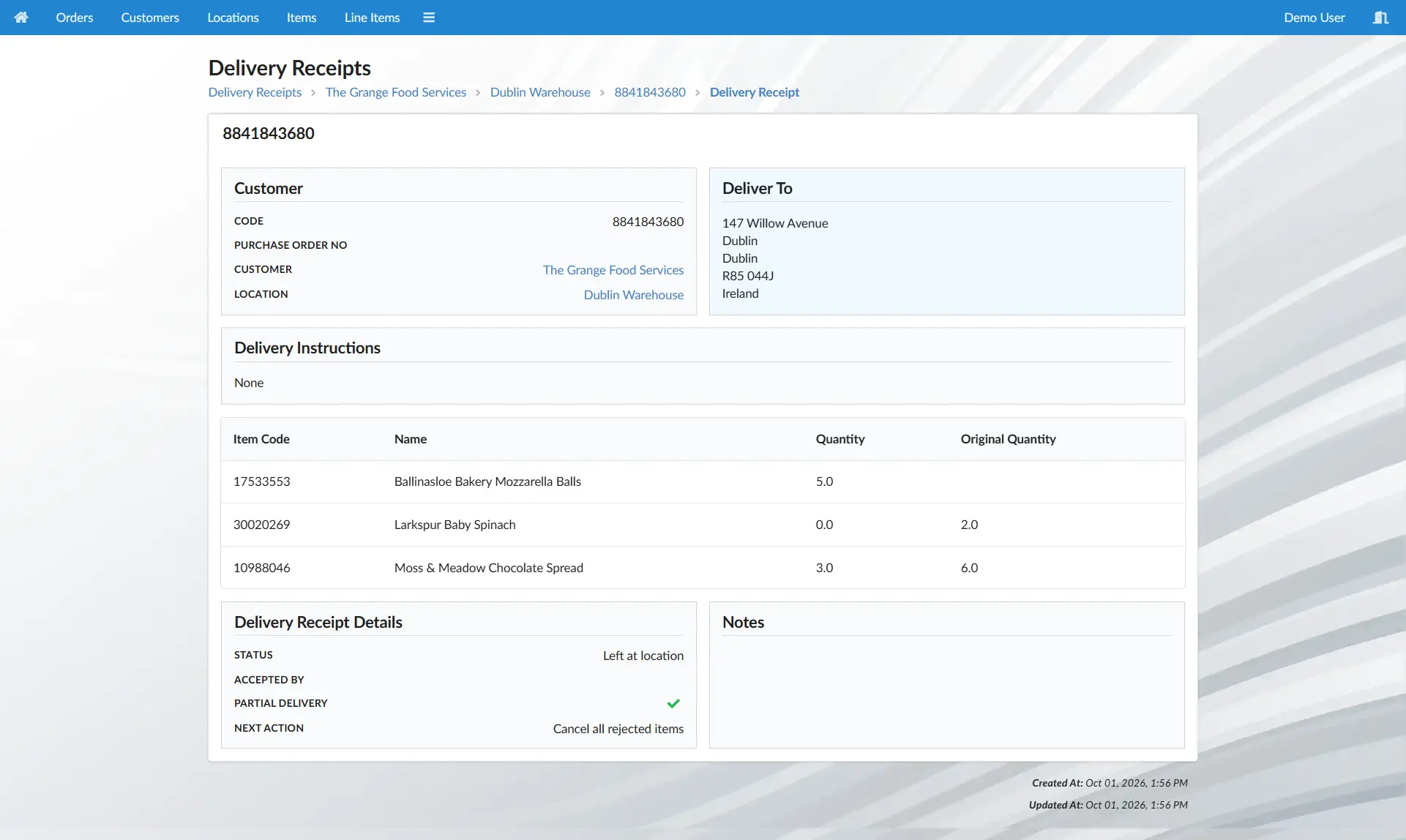
The appropriate next action can be selected and any useful notes added. The customer may want the rejected items replaced, only some items redelivered, or nothing delivered at all. Even if the customer hasn't decided yet, the account manager can see what's happened and take it from there.
The warehouse team can see which items are coming back before they arrive. Stock levels can be adjusted in advance, allowing the warehouse to prepare for the returning goods and making the additional stock visible to the sales team.
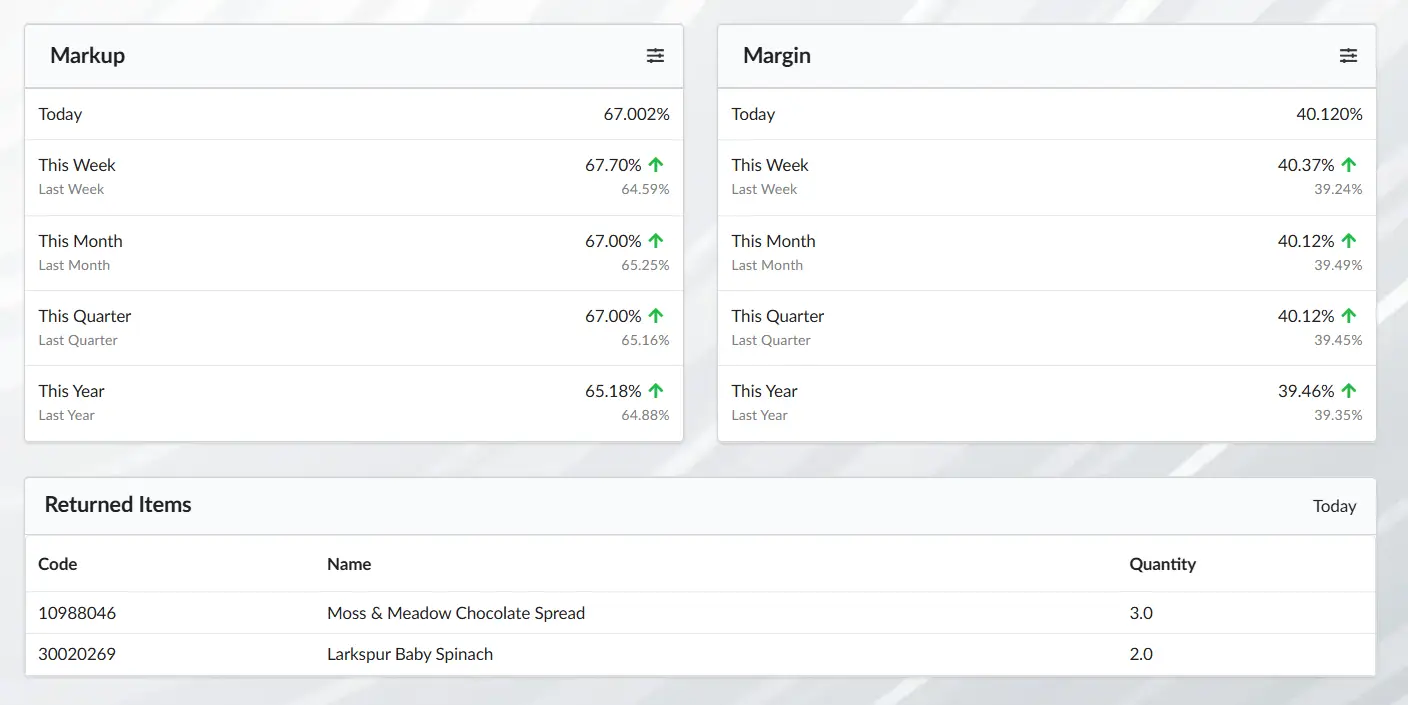
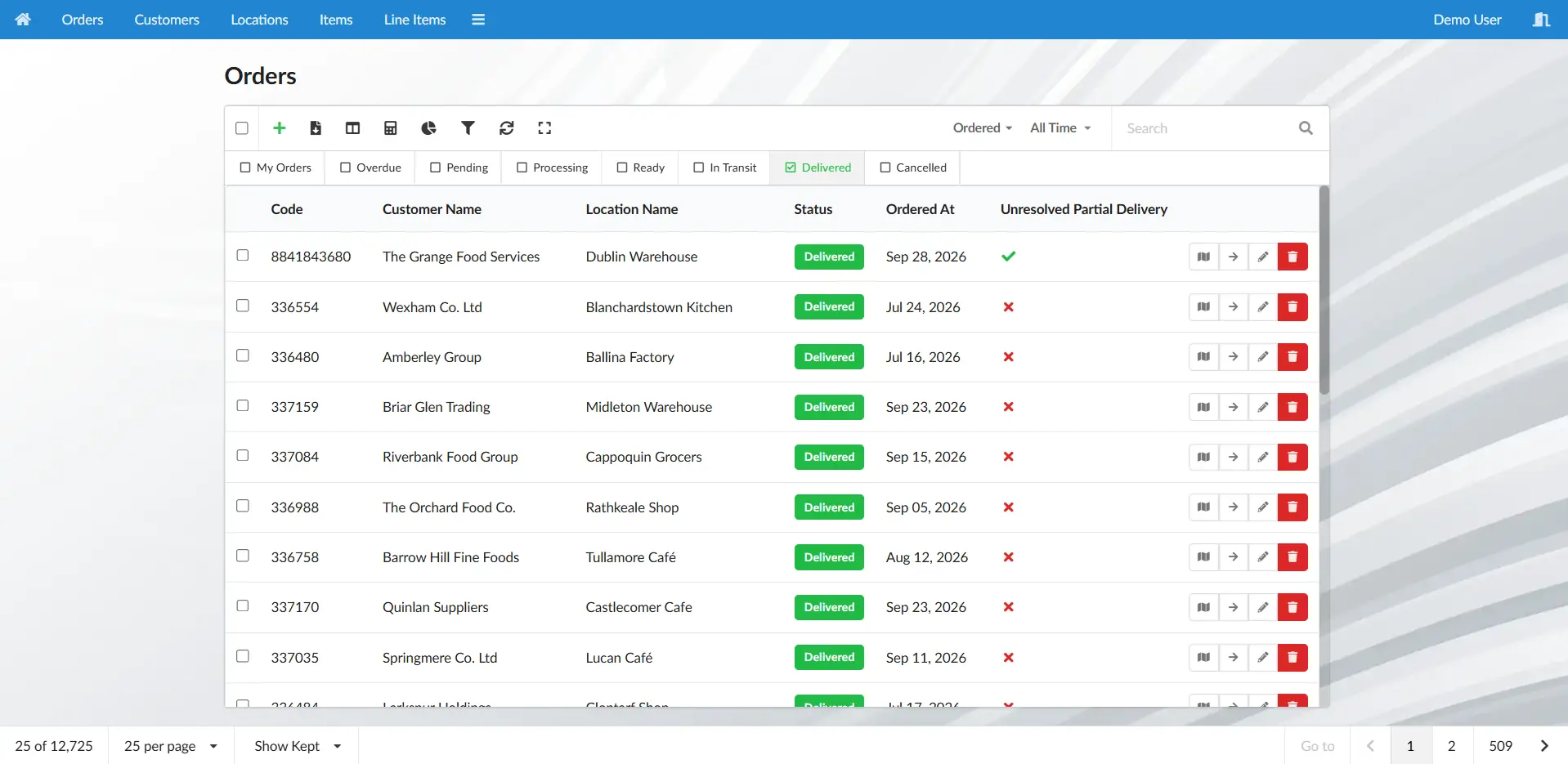
The account manager can now take the appropriate action based on the customer's request. The existing order can be updated and, where necessary, a new order created for the replacement delivery.
A rejected item can easily become a problem that spreads across the business — unless everyone has the same information and knows what happens next.
Quick Docket keeps the process coordinated from the moment the item is rejected through to its final resolution. The driver records what happened, the warehouse knows what is coming back, and the account manager has everything they need to follow up with the customer.
What could have thrown the whole process off course becomes a straightforward, coordinated part of the order.
You're probably thinking you don't have time to set up a new admin system. You're busy running your business, and you know that an enterprise system can mean months of meetings, revisions and expense before you can even process your first order.
Quick Docket gets you started in minutes, not months. Get the essentials in place and start processing orders without the wait.
See how it worksImagine getting through the day without chasing information, searching for paperwork, or wondering whether something has been dealt with.
Instead of asking what's happening, you already know.
Here's what that can look like.
| Before | After |
|---|---|
| “Has that order gone out yet?” | “That order is currently in transit with John.” |
| “Are we even making any profit on this?” | “We're averaging a 44.4% margin this month.” |
| “Where's the proof of delivery?” | “John delivered the order to Steve on Tuesday.” |
| “What deliveries are going out today?” | “I've got 18 deliveries going out today.” |
| “Has this customer stopped ordering?” | “They normally order every 15 days. It's been 20.” |
| “Has someone dealt with that?” | “It's been assigned and is already being dealt with.” |
Every day spent managing orders, paperwork and information manually has a cost — in time, mistakes and missed opportunities.
Quick Docket can help you reduce that cost without a complicated software project.
Join us for a 10-minute online demonstration to explore how Quick Docket could fit into your business. No obligation.
Book Demo